SS Smart Start OS Home inspection business system
Business OS setup

Set up the inspection business OS.

Start with the website, then connect the business details, services, domain, booking path, payment path, report help, and review follow-up.

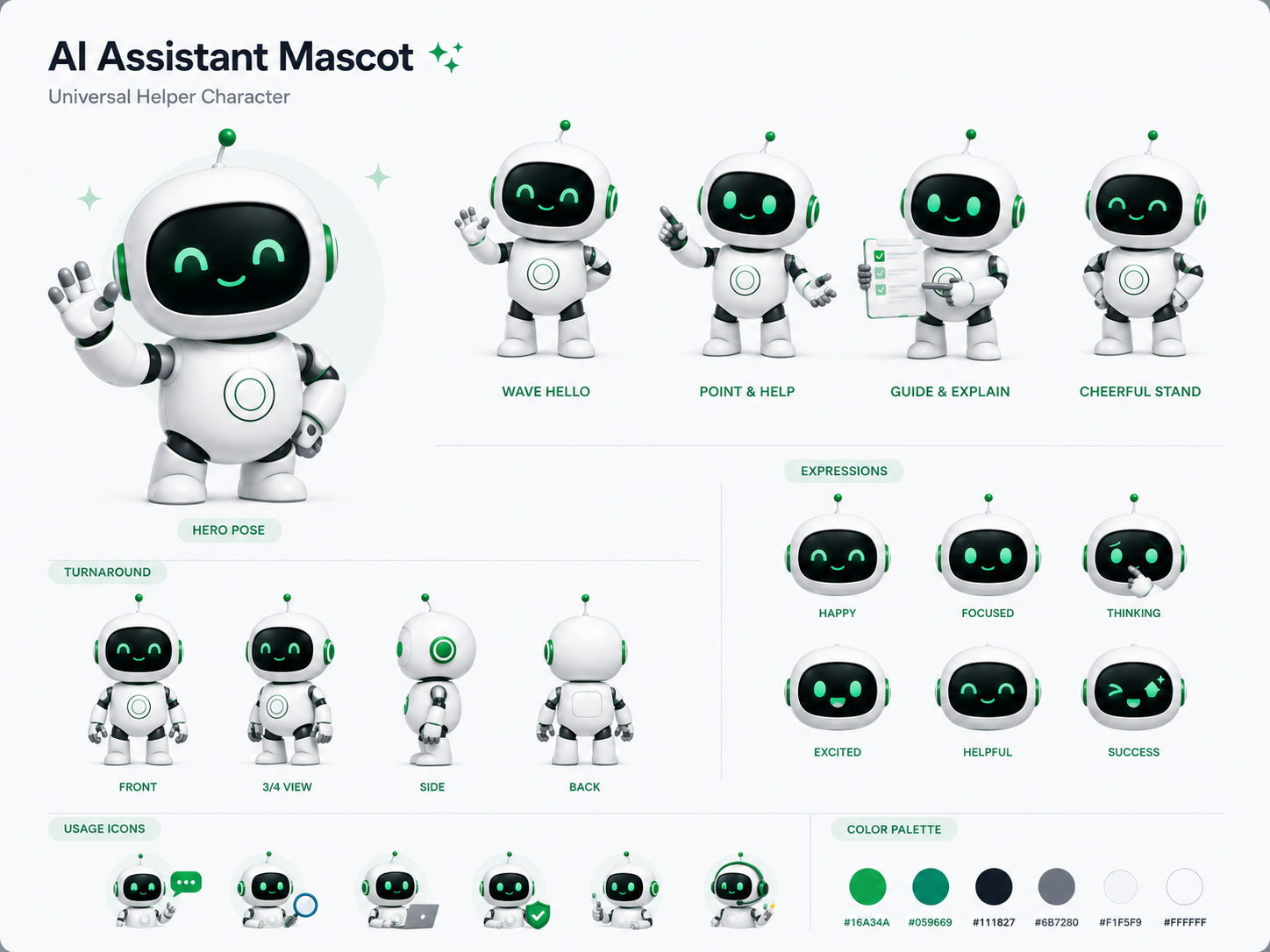
Smart Start assistant mascot

I will help you set up the website, booking path, payment path, and report support.

OS setup checklist One business system.

Step 1 of 5

Start with the website front door.

Choose a style and starter pages. This is only the first piece of the full business system.

Pick one to start
Pick the closest starter. The OS setup continues after this.

Step 2 of 5

Set up the company profile.

This feeds the website, booking form, emails, invoices, reports, and customer records.

Step 3 of 5

Set up what the business sells.

These services feed the website, quote path, booking path, add-ons, and checkout.

Step 4 of 5

Choose the launch address.

This is the public address customers use to find the business and start the booking path.
Type the name you want and click Check name. Then pick the best option.