AI Home Inspector Business OS
SMS Communication Terms
Messaging terms for appointment, reminder, quote, report, review, and support communications where SMS is enabled.
SMS Communication Terms
Messaging terms for appointment, reminder, quote, report, review, and support communications where SMS is enabled.
Consent required
Plain-language policy section for customer review and business/legal approval.
Message frequency varies
Plain-language policy section for customer review and business/legal approval.
Opt out instructions
Plain-language policy section for customer review and business/legal approval.
Carrier charges may apply
Plain-language policy section for customer review and business/legal approval.
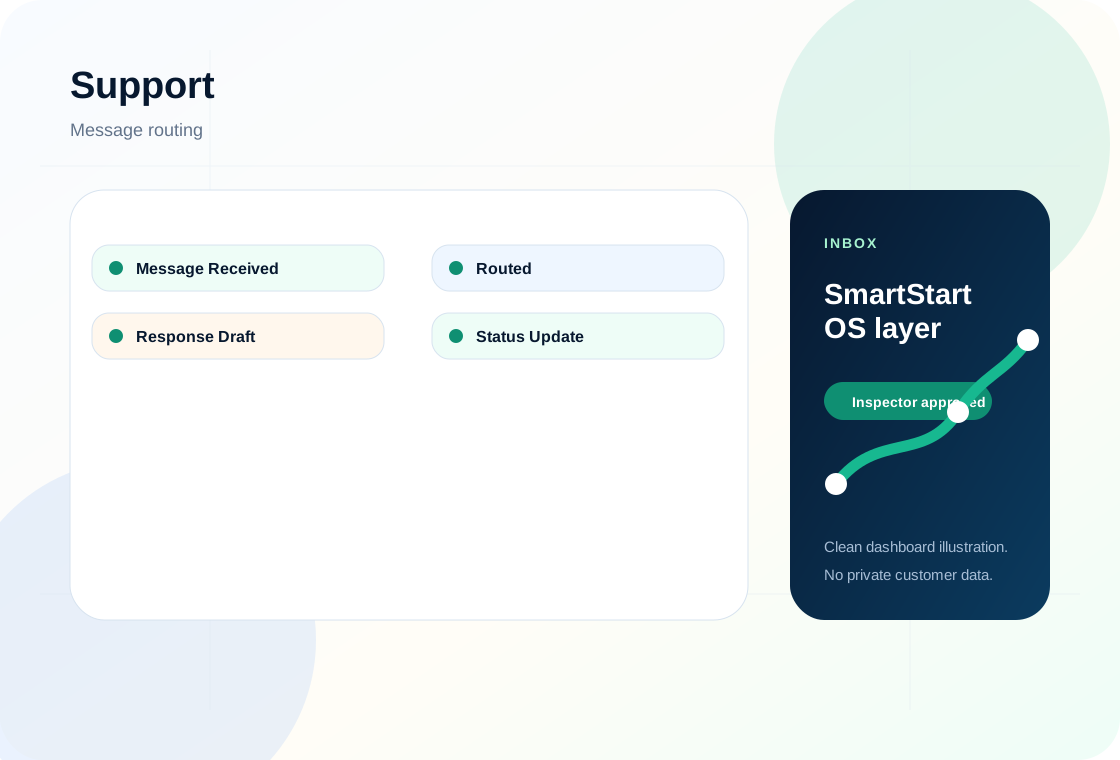
Support routing
Plain-language policy section for customer review and business/legal approval.
Privacy link
Plain-language policy section for customer review and business/legal approval.
Plain-language business page. Final legal, tax, insurance, contractor, real estate, and state inspection compliance review is recommended before relying on this as a formal policy.